Contents:
The Payloads page is your gateway to delivr.to’s extensive library of security testing payloads. With over 800 payloads covering real-world attack techniques, you can browse, filter, create custom templates and download exactly what you need for your deliverability testing.
Browsing Payloads
Access the Payloads page from the sidebar navigation. Here you’ll find:
- Filter cards — Narrow down results based on attack techniques, threat groups, malware strains, or file types used
- Searchable table — Find payloads by name, description, or tags
- Details panel — Click any payload to see full metadata and deliverability stats
Filtering Payloads
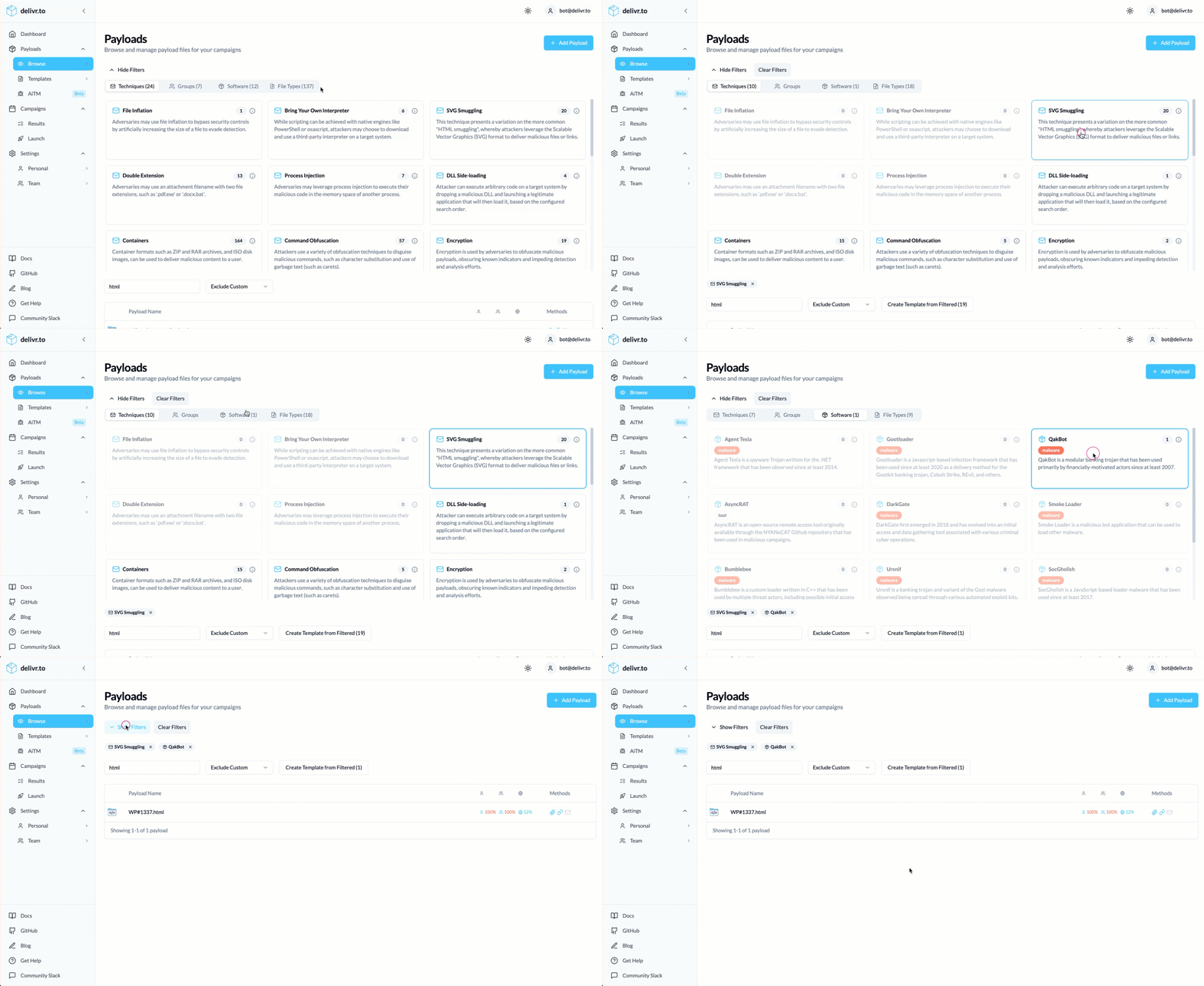
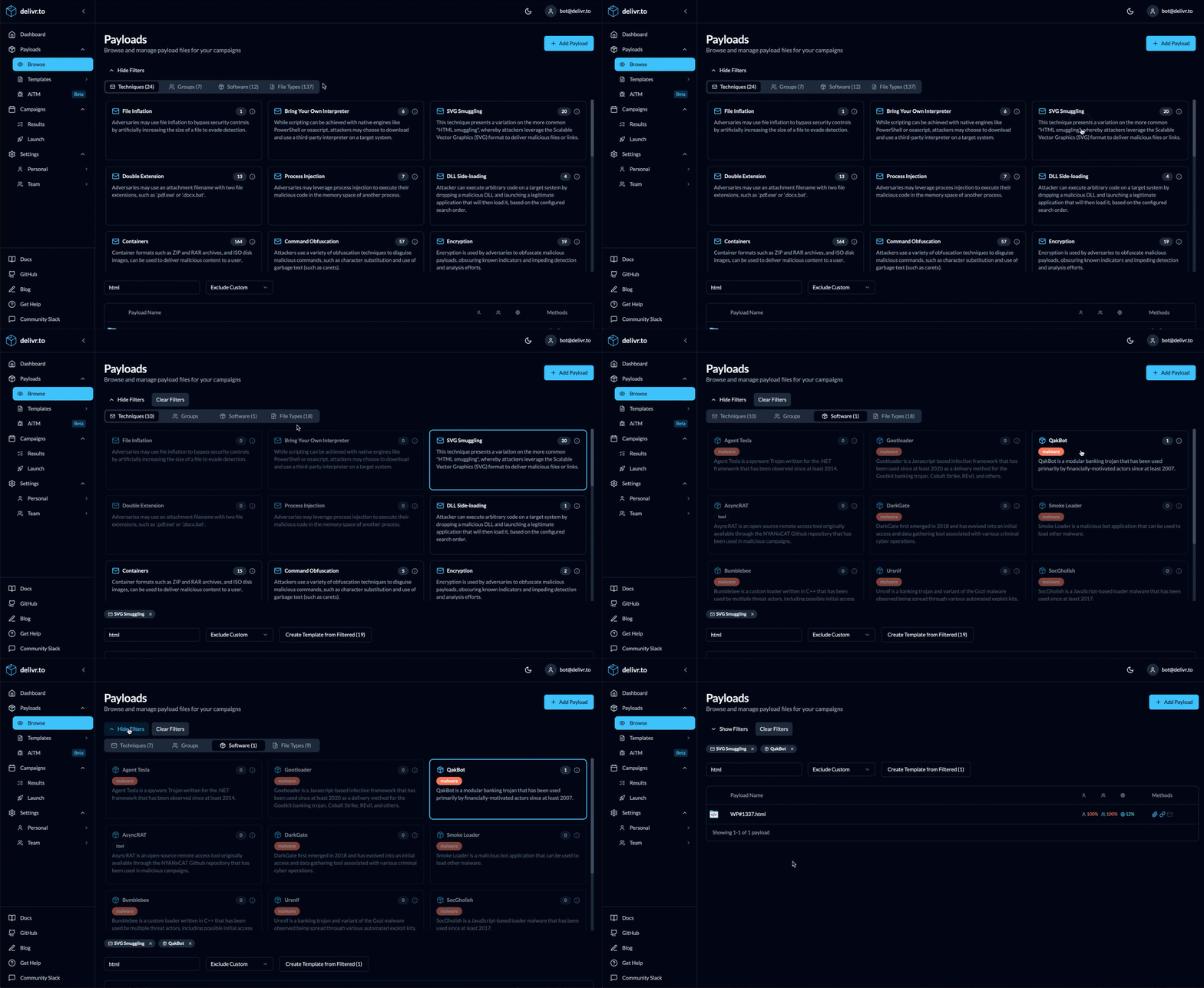
At the top of the payloads page are the filtering tabs. Here can select multiple criteria to narrow down your payload selection.
Your selection across the filter tabs is chained together, so you can look for Gootloader malware using JScript files, or APT29 using HTML smuggling with LNKs to perform DLL side-loading!
Clicking the Create Template from Filtered allows you to take your filtered selection and save it for testing.
Payload Details
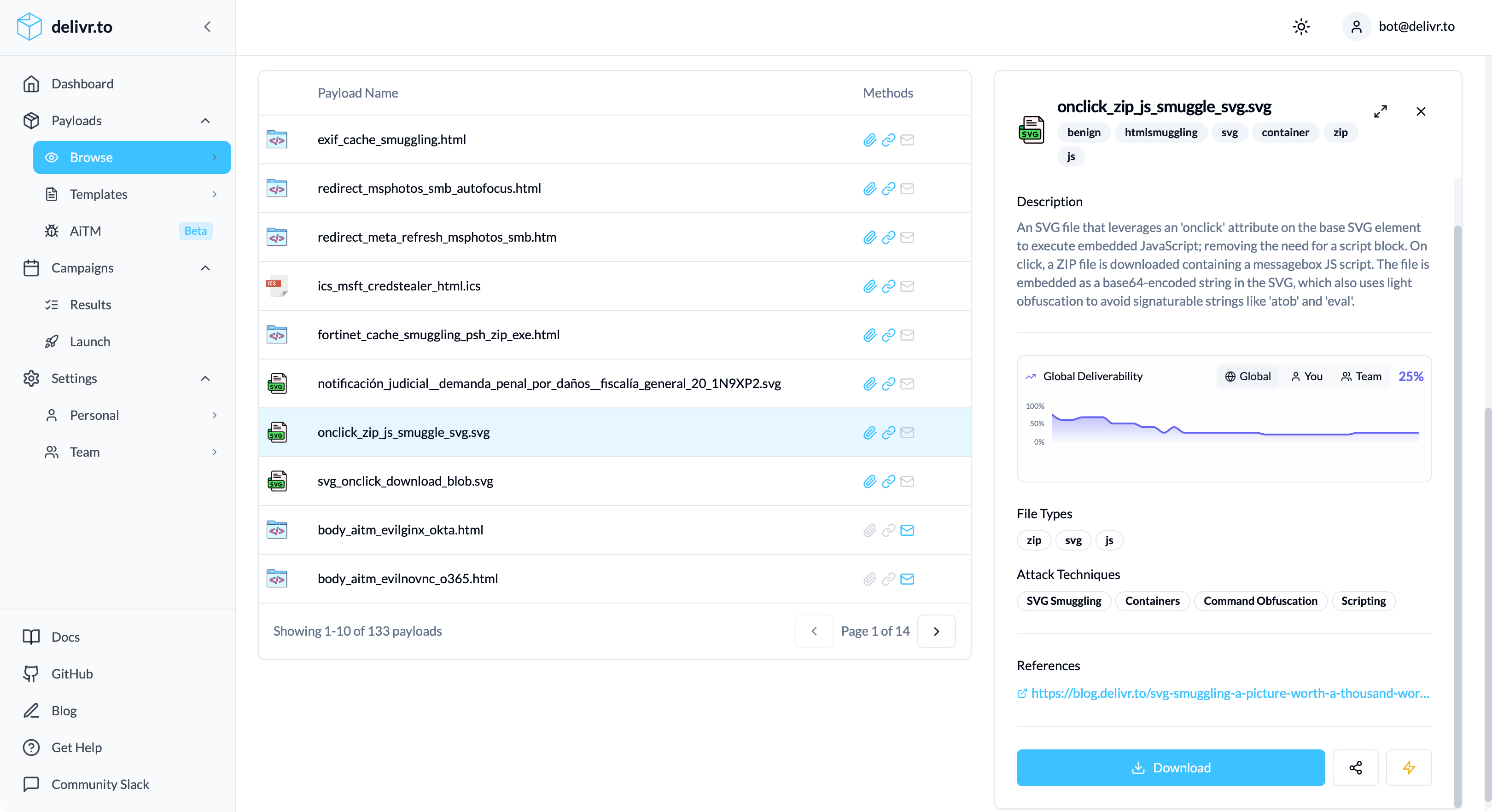
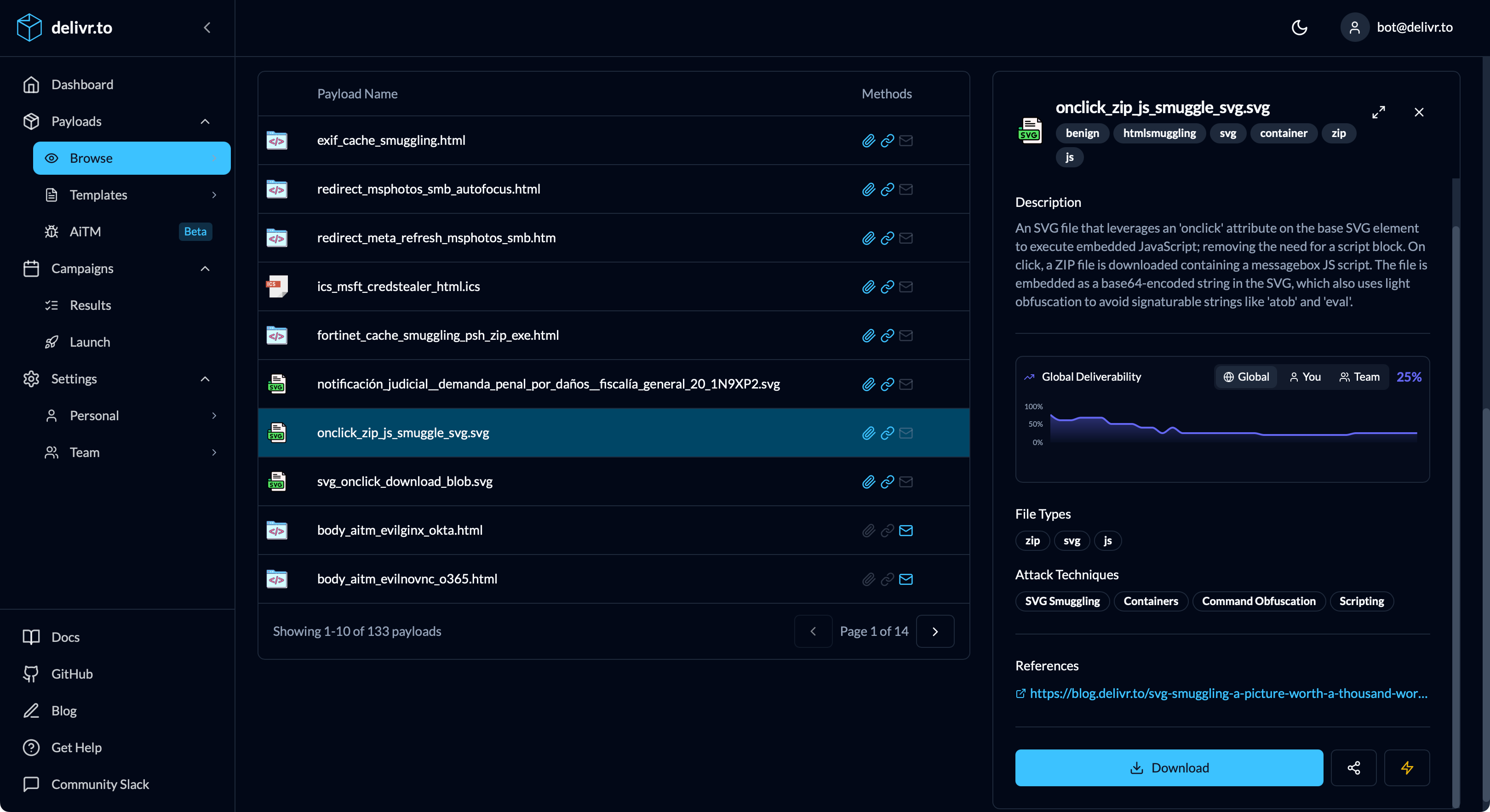
Clicking a payload reveals comprehensive information:
| Section | Description |
|---|---|
| Description | Full explanation of the payload and its purpose |
| Tags | Categorization labels for quick identification |
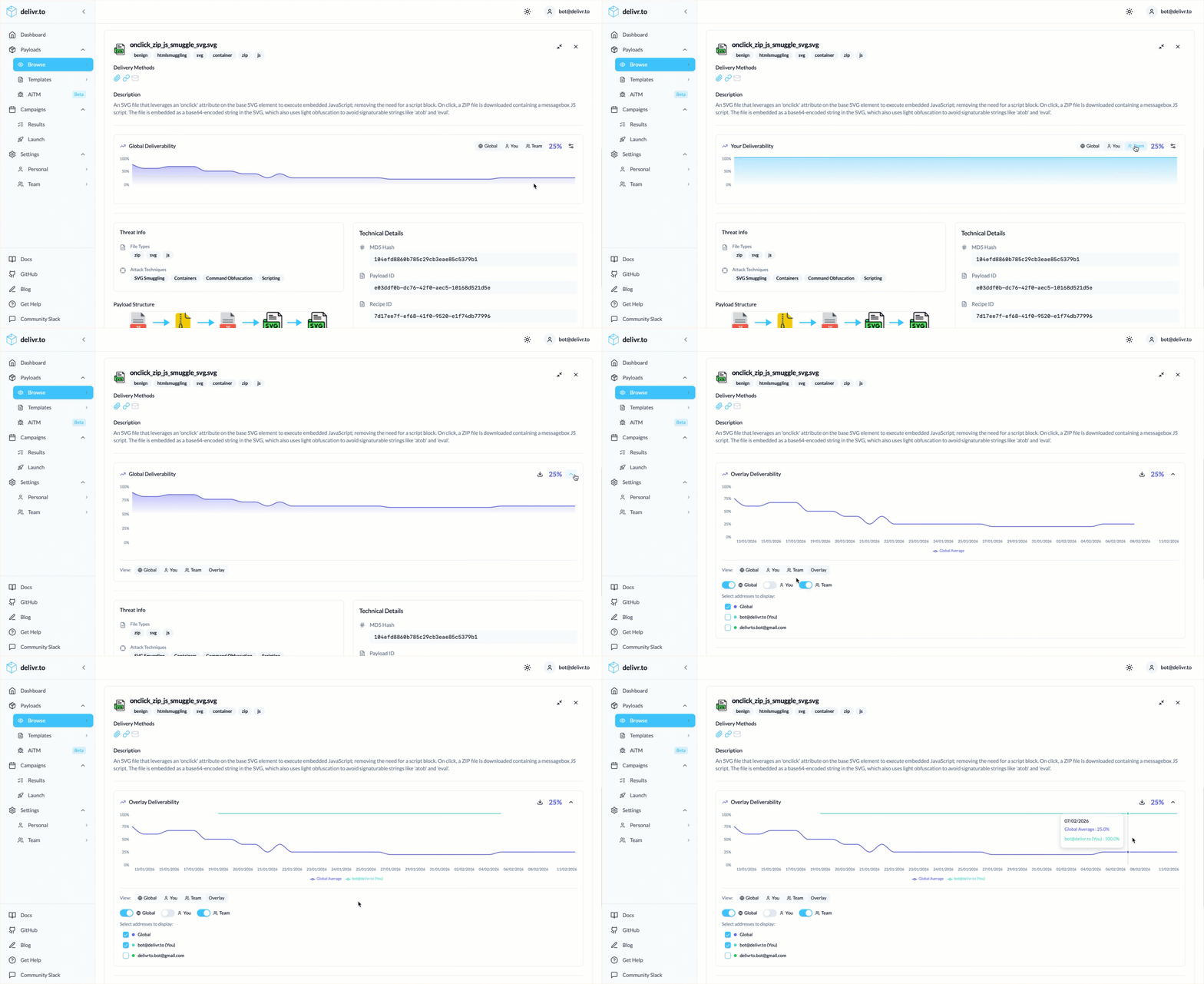
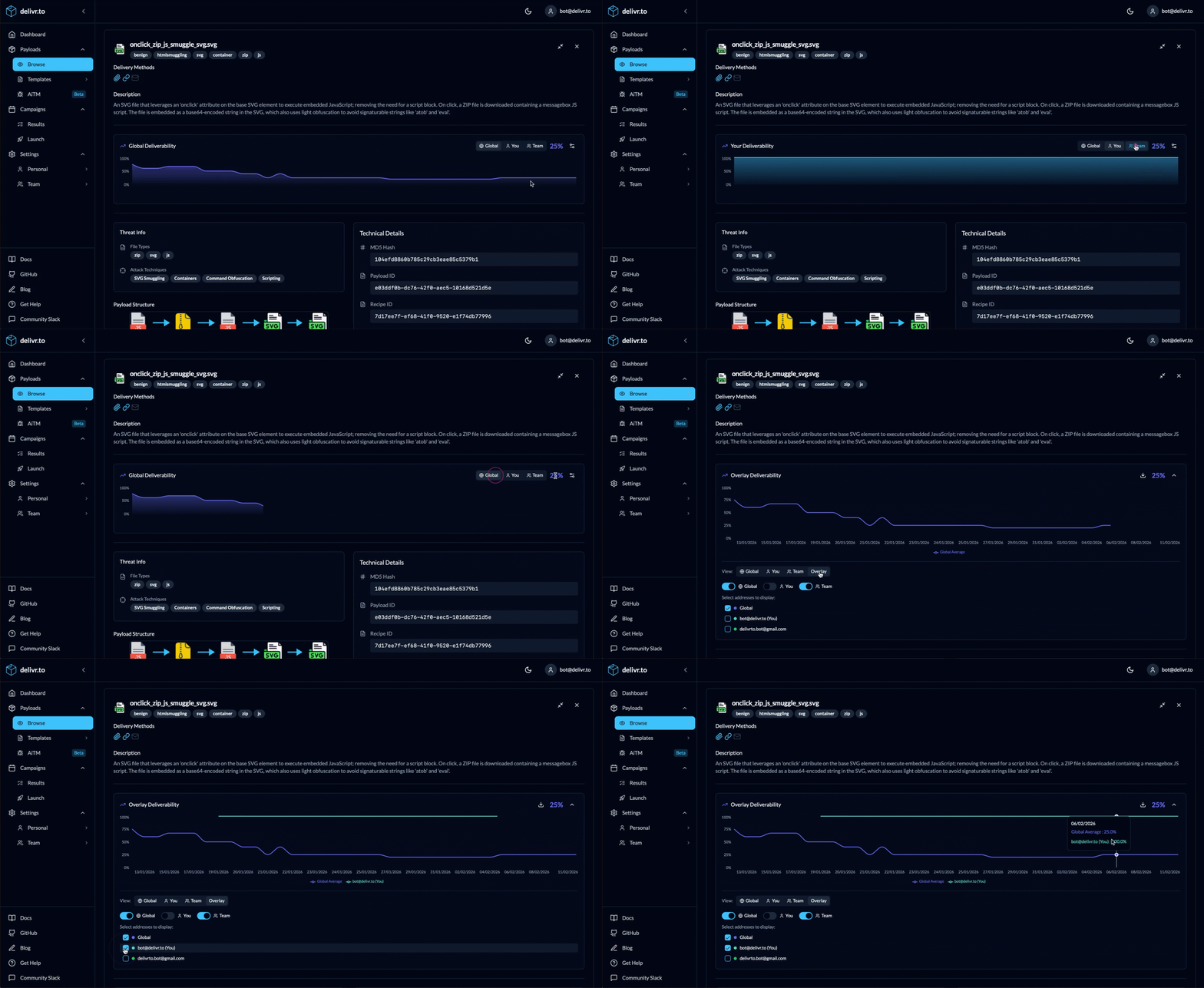
| Deliverability Chart | Historical delivery success rates over time |
| Threat Info | Associated attack techniques, threat groups, file types and software |
| Technical Details | MD5 hash, Payload ID, Recipe ID, last updated date |
| References | External links, documentation, related content |
Deliverability Metrics
delivr.to tracks delivery success across three scopes:
| Level | Description |
|---|---|
| User | Your personal historical delivery rate for this payload across your validated mailboxes |
| Team | Aggregate across your Enterprise team for all validated mailboxes |
| Global | Aggregate across all delivr.to users |
These metrics help you understand which payloads are commonly blocked and which get through security controls; results you can compare from mailbox to mailbox, and against a global baseline.
Sharing Payloads
You can find delivr.to’s public payload catalogue here.
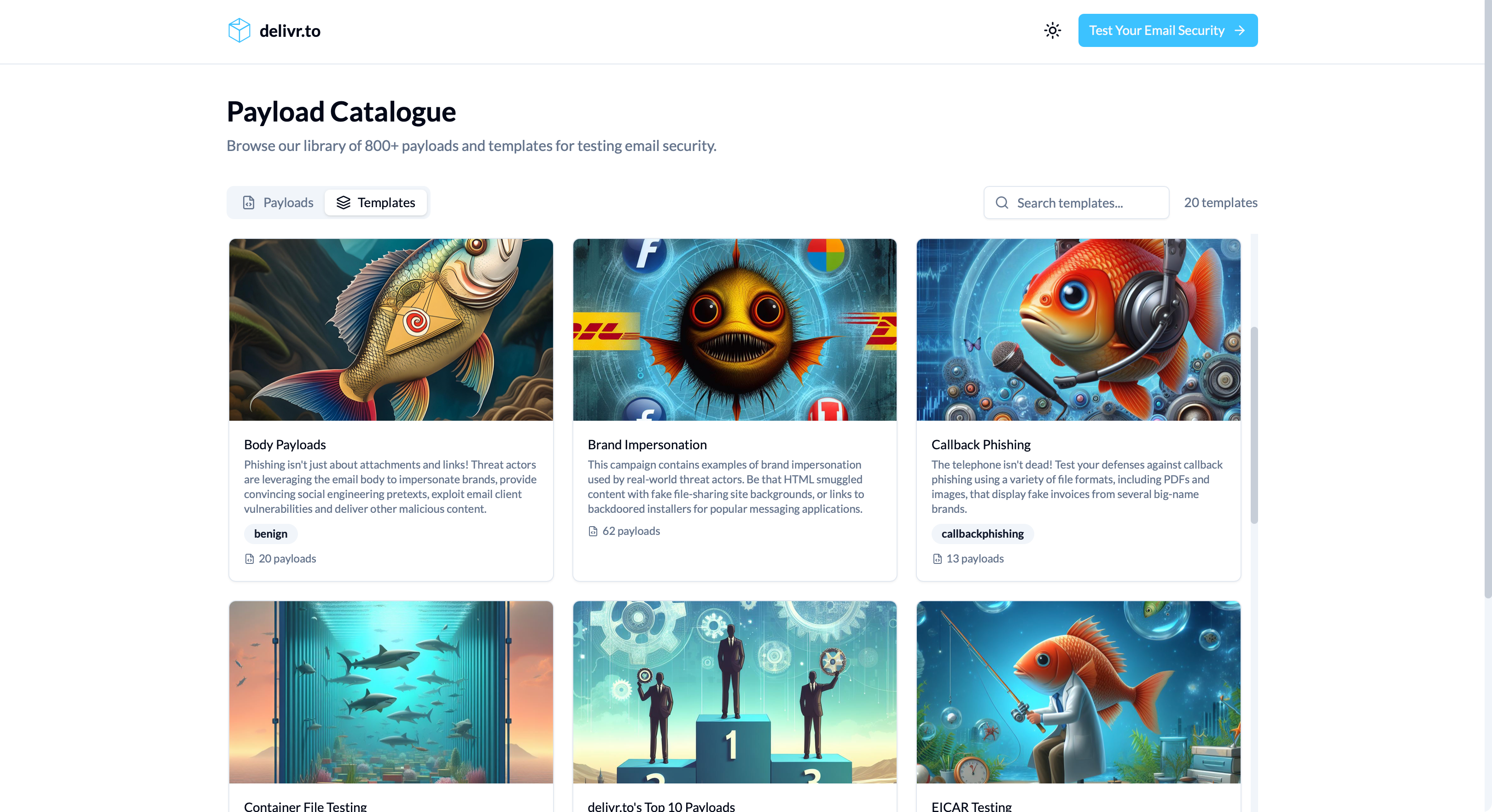
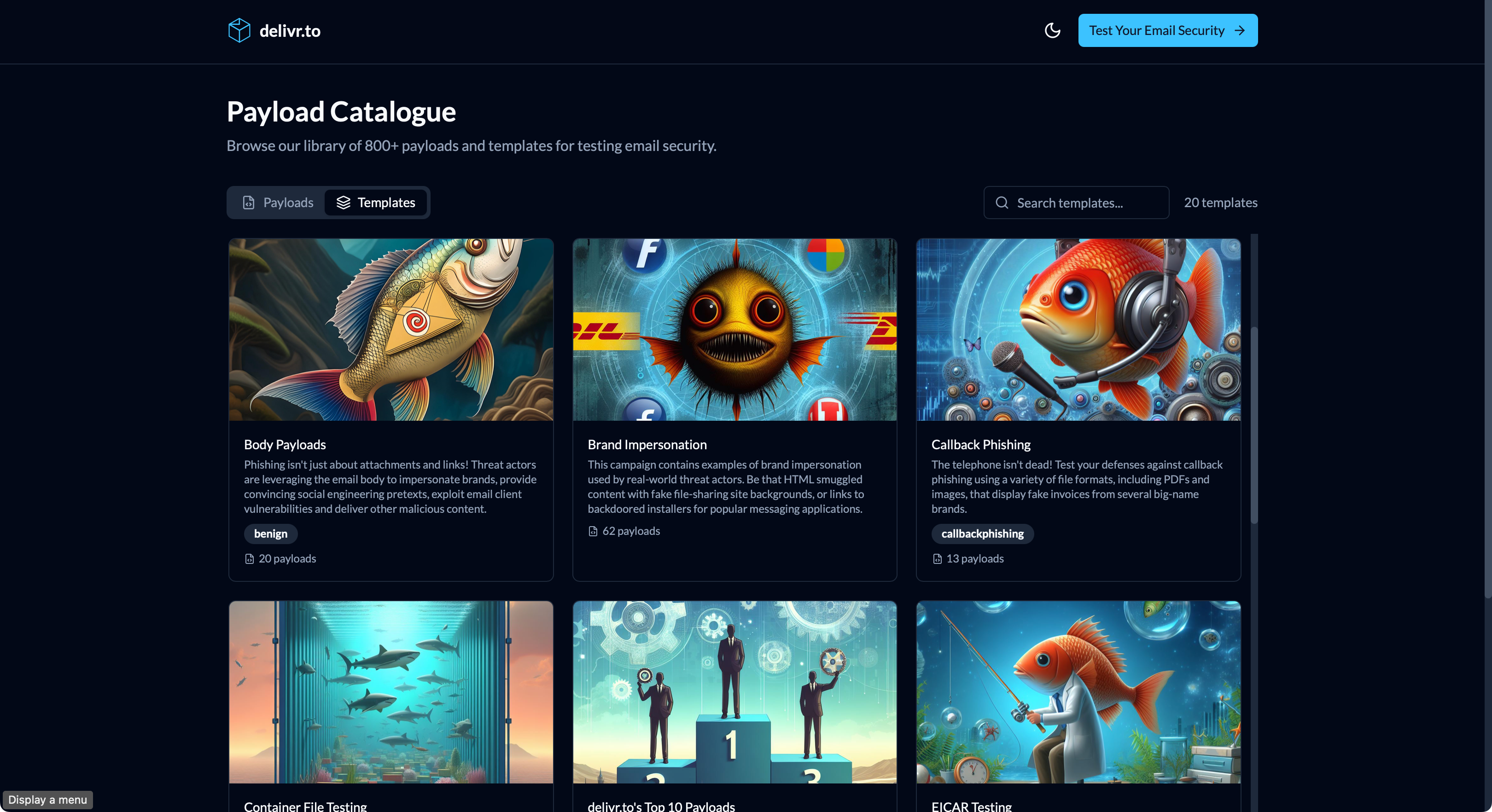
Across the platform you’ll see the share button () next to the download and Quick Send buttons, allowing you to copy a shareable link to your clipboard for sharing with others.
Of course, your custom payloads aren’t accessible to everyone. Clicking the share button on a custom payload produces a link to the authenticated payload page (rather than the public one), taking other members of your team straight to the payload you’re sharing.